QuoteCloud with Zendesk
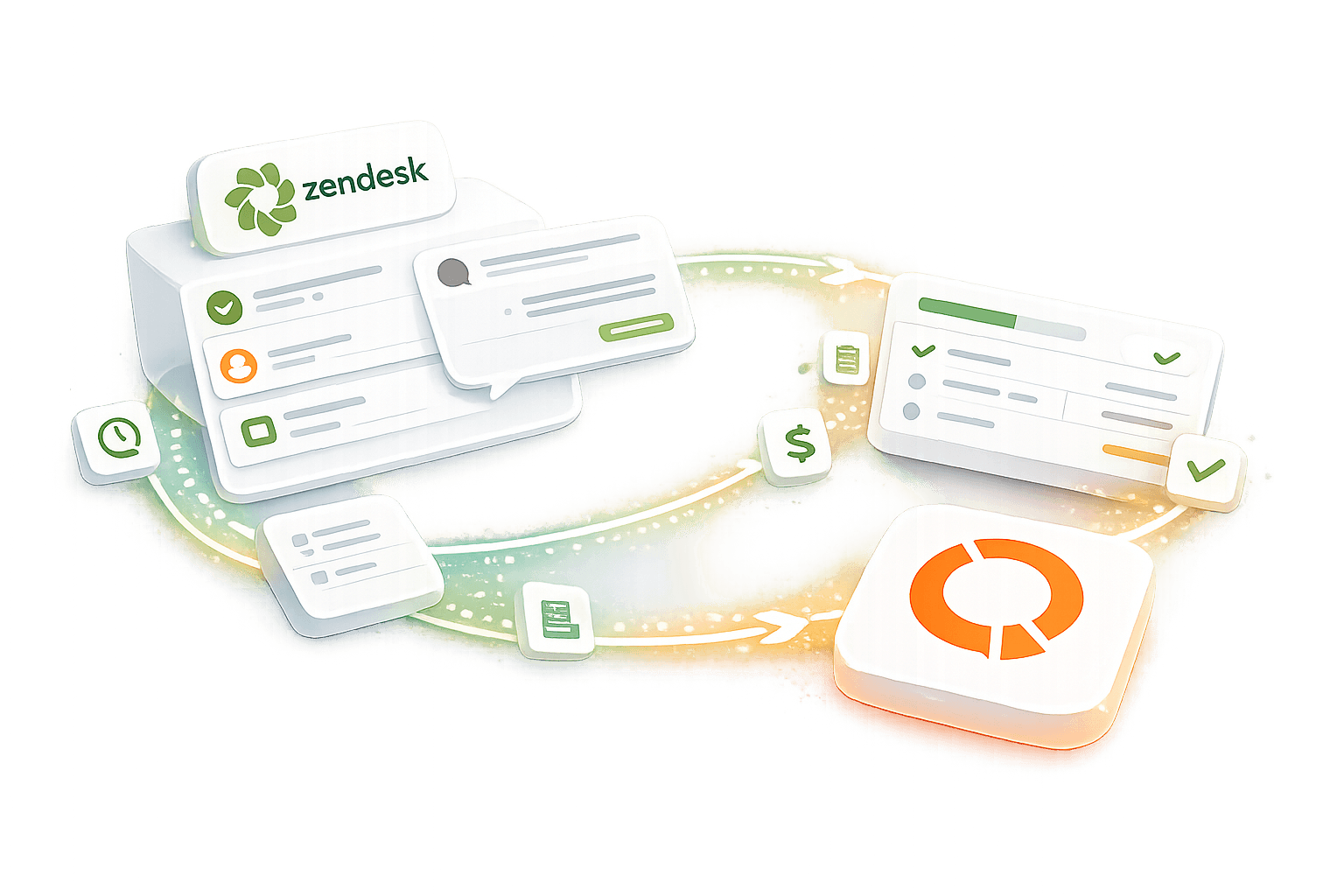
The fusion of Zendesk and QuoteCloud revolutionizes customer support and document management. This integration merges Zendesk's powerful ticketing system with QuoteCloud's comprehensive document creation and management capabilities, fostering streamlined workflows and unparalleled customer experiences.
No credit card required
Streamlined Workflows
By combining Zendesk's ticketing system with QuoteCloud's document management capabilities, you can seamlessly handle customer inquiries and generate necessary documents within a unified platform, reducing the need to switch between multiple tools.
Enhanced Efficiency
With the integration, you can create, share, and track documents directly from Zendesk, eliminating manual processes and streamlining workflows. This efficiency translates to faster response times and improved productivity.
Improved Customer Experience
By having access to relevant documents and information right within Zendesk, your support team can provide more accurate and timely responses to customer inquiries, leading to higher levels of customer satisfaction.
Centralized Data Management
With Zendesk and QuoteCloud integrated, all customer interactions and document-related activities are centralized, making it easier to track and manage data, leading to better insights and decision-making.
Customization and Scalability
Both Zendesk and QuoteCloud offer customization options and scalability to meet the unique needs of your business. You can tailor workflows, templates, and settings to align with your specific requirements and scale the solution as your business grows.

How to setup QuoteCloud for ZenDesk via Zapier integration?
Step 1
Set up a Zap: Log in to your Zapier account and click on the "Make a Zap" button. Choose QuoteCloud as the trigger app and select the desired trigger event, such as "New Document Created" or "New Customer Created." Then, click "Continue."
Step 2
Connect your QuoteCloud account: Follow the prompts to connect your QuoteCloud account to Zapier. You may need to enter your QuoteCloud API key or authorize Zapier to access your QuoteCloud account.
Step 3
Configure the Action: After connecting Zendesk, choose QuoteCloud as the action app. Select the action you want to perform in QuoteCloud, such as "Create Document" or "Update Document." Follow the prompts to connect your QuoteCloud account and map the fields from Zendesk to QuoteCloud. Once you've configured the action, click "Continue" to test your Zap and turn it on.
How to setup QuoteCloud for ZenDesk via Zapier integration?
Step 1
Set up a Zap: Log in to your Zapier account and click on the "Make a Zap" button. Choose QuoteCloud as the trigger app and select the desired trigger event, such as "New Document Created" or "New Customer Created." Then, click "Continue."
Step 2
Connect your QuoteCloud account: Follow the prompts to connect your QuoteCloud account to Zapier. You may need to enter your QuoteCloud API key or authorize Zapier to access your QuoteCloud account.
Step 3
Configure the Action: After connecting Zendesk, choose QuoteCloud as the action app. Select the action you want to perform in QuoteCloud, such as "Create Document" or "Update Document." Follow the prompts to connect your QuoteCloud account and map the fields from Zendesk to QuoteCloud. Once you've configured the action, click "Continue" to test your Zap and turn it on.
Can't find what you need?
Build your own integration to fit your company's needs.
FAQs
Disclaimer: Parties other than QuoteCloud may offer products, services, recommendations, or opinions on QuoteCloud's platform ("Third Party Materials"). QuoteCloud does not undertake the examination or evaluation of such Third Party Materials and does not provide any warranties concerning them. Links to Third Party Materials are provided for convenience and do not imply an endorsement by QuoteCloud.