
Landscaping quotes and proposals, built in minutes
Start from a landscaping template, drag in site photos, planting notes and your price table, then send a link and see the moment your client opens it.
- 5/5 on G2
- 4.2 on Capterra
- Building QuoteCloud since 2013
QuoteCloud is a quote and proposal builder for landscapers. You start from a landscaping template, add photos, marked-up images, plans, notes and pricing as drag-and-drop content blocks on your own branding, then send the proposal as a link. You see when the client opens it, they can comment, and they sign online.
Last reviewed by the QuoteCloud team
The cover and design-ideas gallery of a sample backyard makeover proposal from a fictional landscaper, Larkspur Garden Co., prepared for Ava and Leo Marsh: a hero photo of a finished garden, then four photos of a fire-pit terrace, raised beds, path lighting and new turf.


How to build a landscaping proposal in QuoteCloud
From the site visit to a proposal in the client's inbox, without starting from a blank page.
Pick a landscaping template
Open a lawn care quote, arborist quote or landscaping contract template with your logo, terms and layout already set.
Drag in the content blocks
Add text, image, gallery, video and price table blocks, or saved blocks such as your warranty and planting notes from the content library.
Show the garden
Drop in site photos and the design plan, and label what changes on a photo in the built-in image editor.
Price the job
Add plants, materials and labour from your product catalogue. Subtotals, tax and the total calculate as you go.
Send a link and track it
Send the proposal as a link. You're told when it's opened, questions come back as comments, and the client signs online.
Photos that do the selling for you
A garden is easier to say yes to when the client can see it. Drag site photos straight onto the proposal, build a gallery of design ideas, and mark up a photo of the yard with numbered labels in the built-in image editor.
Crop, add text and shapes, or pull in a Canva design, without leaving the proposal.
- Image, gallery and video blocks
- Image editor: crop, text and shapes
- Plans dropped in as a PDF or an image
Image blocks and the image editor: Starter and up
See a full garden design proposalWhat changes

- New sandstone path
- Clipped hedge line
- Feature maple

Show, then price
Clients picture the garden before they sign
Photos, marked-up images and the design plan sit beside the price, in one document your client can open anywhere.
See a full garden design proposalPlanting notes your client can ask about
Write the scope once, save it to your content library and drag it into the next quote. Clients read it in the browser and leave a comment on the part they want to change, so the answer sits beside the question instead of in a long email thread.
- Save blocks to a personal or company content library
- Lock approved company blocks so nobody edits the wording
- Comments and replies inside the proposal
Content library: Essentials and up
All QuoteCloud content blocksPlanting notes
- Lilly pilly hedge along the rear fence for screening.
- Ferns and clivia under the existing gum, which stays.
- Mulch every bed 75 mm deep after planting.
- Drip line on its own zone for the beds; lawn on its own.
Ava MarshCould the lights also run along the new path?
Noah, LarkspurYes, we'll space them along the path to the deck.
Everything you need to build the quote
One editor for a quick lawn quote or a full design and build proposal.
Landscaping templates
Real lawn care, arborist and landscaping contract templates. Save any proposal as your own template.
Landscaping templatesDrag-and-drop editor
Grid mode for tidy rows and columns, Canvas mode to place blocks anywhere on the page.
Your branding
Your logo, fonts and colours on every proposal, with QuoteCloud branding removed from the viewer and emails.
Price tables
Plants, materials and labour from your catalogue, with optional extras the client can tick.
Pricing & products
Build your first garden proposal free
14 days of Essentials or Business, no credit card. We'll convert one of your existing quotes into a template for you.
The design plan, inside the proposal
Upload the site plan as a PDF or an image so the layout, the scope and the price are read together. No separate attachment to lose, and no 'which version is this?' emails.
Garden design proposalsSite plan PDF · Rev B
- Spotted gum deck
- Sandstone path
- Buffalo turf lawn
- Planting beds
- Sleeper retaining wall
- Lilly pilly hedge
Know the moment your quote is opened
Send a link, not a PDF. QuoteCloud tells you when the client opens the proposal and how long they spend reading it, with notifications in QuoteCloud, Slack or Microsoft Teams.
The dashboard shows where every quote is: Sent, Opened, Accepted or Paid, so you follow up on the warm ones first.
- Open and reading-time tracking
- Document history of views and activity
- Expiry dates and an Expiring Soon filter
Tracking and notifications: Essentials and up
How document tracking worksActivity
- Proposal openedAva Marsh
- Garden lighting added+$1,892.00 inc tax
- Signed onlineCertificate of authenticity attached
- Deposit paidvia Stripe
- Invoice created in XeroNative Xero integration, on Business
Start from a real landscaping template
Every template is fully editable: change the services, materials, labour and pricing to match what you sell.
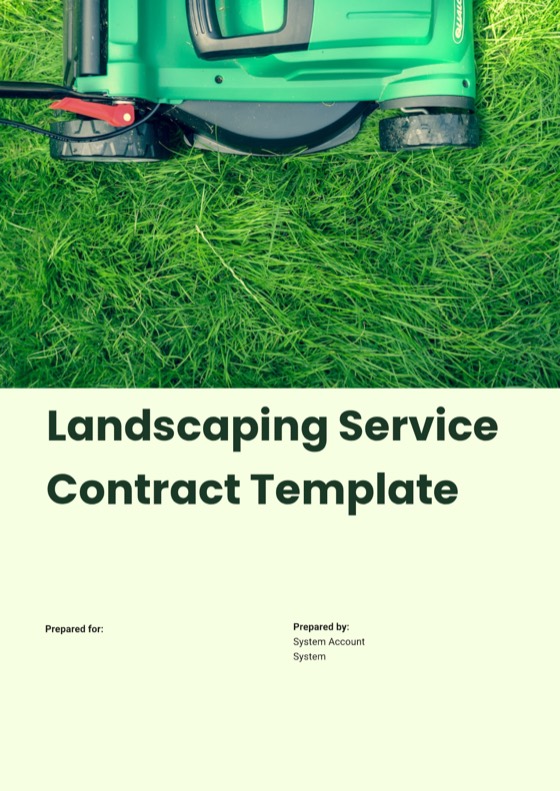
- Contract template Landscaping Service Contract #2 Scope, materials, schedule, payments, variations, site access and warranty, with eSign acceptance. View template
- Contract template Landscaping Services Contract Scope of services, frequency and payment terms for garden care and property managers. View template
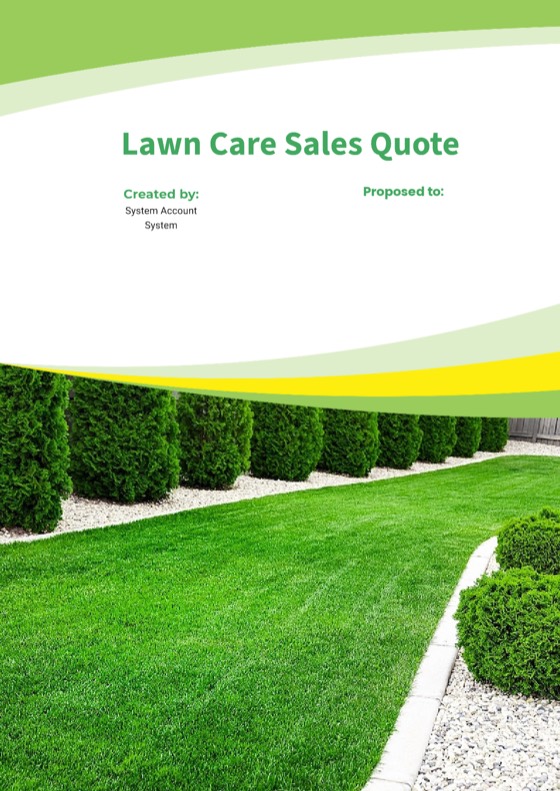
- Quote template Lawn Care Sales Quote Fast, accurate quotes for lawn care, landscaping and garden maintenance. View template
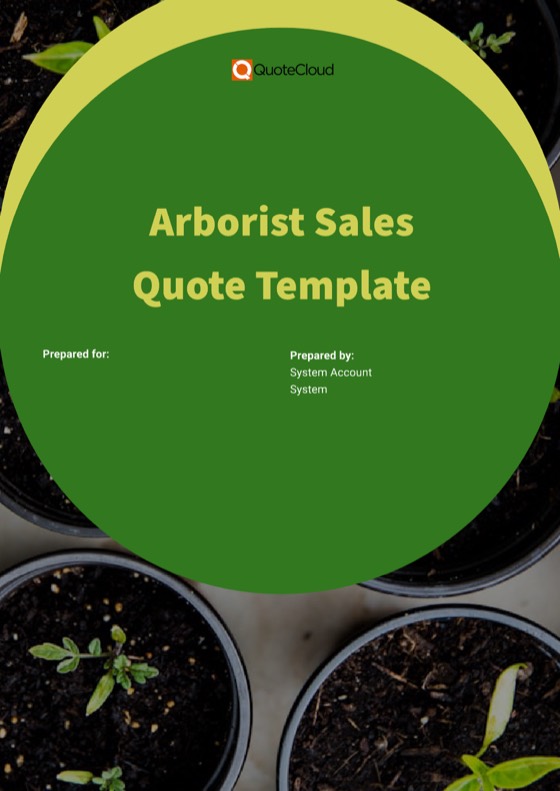
- Quote template Arborist Sales Quote #2 Tree removal, pruning and stump grinding, with site notes, safety, insurance and itemised pricing. View template

All landscaping templates Templates for landscaping & gardening
What to add to your proposal next
Go deeper on pricing, design proposals and getting the job signed.
-
Garden design proposalsPhoto galleries, before-and-after shots, marked-up images, plans and a project timeline.Explore
-
Pricing & productsPrice tables and a catalogue of plants, materials and labour, with optional extras and tax.Explore
-
Sign, approve & get paidLegally binding eSignatures, approvals and a deposit paid on signing via Stripe or PayPal.Explore
- Maintenance contractsGarden care agreements with repeating charges, a visit schedule and expiry dates you can see coming.
- Seasonal packagesGood, better, best packages and add-ons, sent to past clients in bulk.
- IntegrationsSend won jobs to Xero, QuickBooks, ServiceM8, simPRO and Google Calendar.
- TemplatesReal landscaping, lawn care and arborist templates, ready to make your own.
- Getting startedTemplate conversion, catalogue import, team set-up and training.
- FAQAnswers to the questions landscaping businesses ask most.
Quotes and proposals for landscapers: FAQ
How do I make a landscaping quote in QuoteCloud?
Start from a landscaping template or a blank document, then drag in content blocks: a cover, text, photos, a gallery, the design plan and a price table. Add plants, materials and labour from your product catalogue, set an expiry date and send the quote as a link. The client reads it in the browser, comments and signs online.
Are there landscaping proposal templates?
Yes. The template library includes a lawn care sales quote, two arborist sales quotes and two landscaping service contracts, all fully editable. You can also save any proposal you build as your own template. During the free trial on Essentials, Business or Enterprise, QuoteCloud converts one of your existing templates for free.
Can I add photos and mark them up?
Yes. Image, gallery and video blocks let you show site photos and design ideas, and the built-in image editor lets you crop photos and add text and shapes to label what changes. You can also add Canva designs and drop in plans as a PDF or an image. Image blocks and the editor are on Starter and above.
Will my quotes carry my own branding?
Yes. Upload your logo and your own fonts, style blocks with your colours, and remove QuoteCloud logos from the document viewer and client emails. PDF exports can carry headers and footers with your logo, dates and legal text, so a printed copy looks as considered as the online proposal.
Can I see when a client opens my landscaping quote?
Yes. QuoteCloud shows when the client opens the quote and how long they spend reading it, with real-time notifications in QuoteCloud, Slack or Microsoft Teams. The dashboard shows each document's status, such as Sent, Opened, Accepted or Paid. Tracking and notifications are on Essentials and above.
Can I reuse the same planting notes and terms in every quote?
Yes. Save any block, such as planting notes, a warranty or your terms, to a personal or company content library and drag it into the next document. Company blocks can be locked so the team can use them but not change the wording. The content library is on Essentials and above.
Send a proposal they can picture
Free for 14 days. No credit card required.