
Software and SaaS templates, ready for your plans
Real QuoteCloud templates for SaaS proposals, software quotes, service levels, acceptance and confidentiality.
- 5/5 on G2
- 4.2 on Capterra
- Building QuoteCloud since 2013
QuoteCloud's template library includes a SaaS sales proposal, software services and technology quotes, a service level agreement, a project customer acceptance form, an implementation proposal, a source code licence and an NDA. Add your plans, seat editing and terms, or send us your own order form and we'll convert one during the trial.
Last reviewed by the QuoteCloud team
A sample renewal order form for a fictional software vendor, Plinthwork, built from its own template: 140 Growth seats and 140 Analytics seats at 12% off, single sign-on and audit log, an optional API capacity pack and premium support, training for new users as a once-off line, and a 12, 24 or 36-month term switch set to 24 months. Totals: $4,931.60 a month, $1,200 once-off and $119,558.40 total contract value.
Eight templates for software vendors
Real templates from QuoteCloud's library for SaaS proposals, software quotes, service levels, milestone acceptance, implementation, licensing and confidentiality. Open one, add your plans and price book, and send.
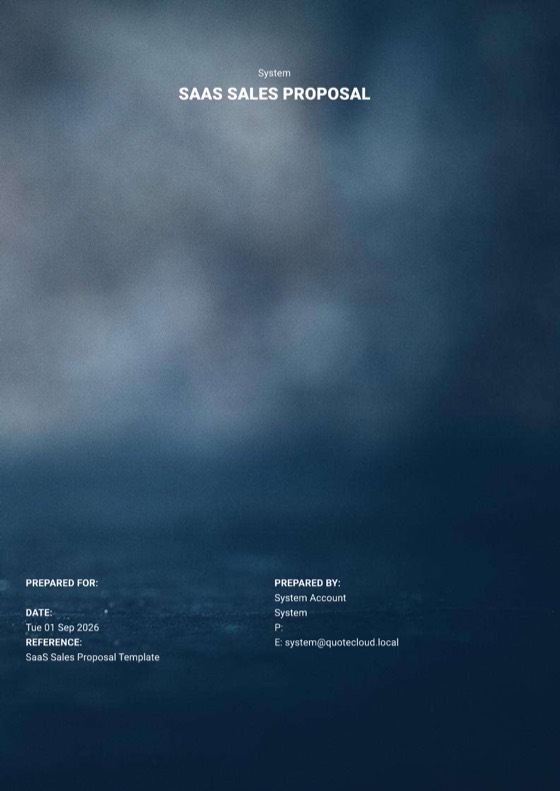
- Proposal template SaaS Sales Proposal A standard SaaS sales proposal: your product, plans and pricing in one document to send and sign. View template
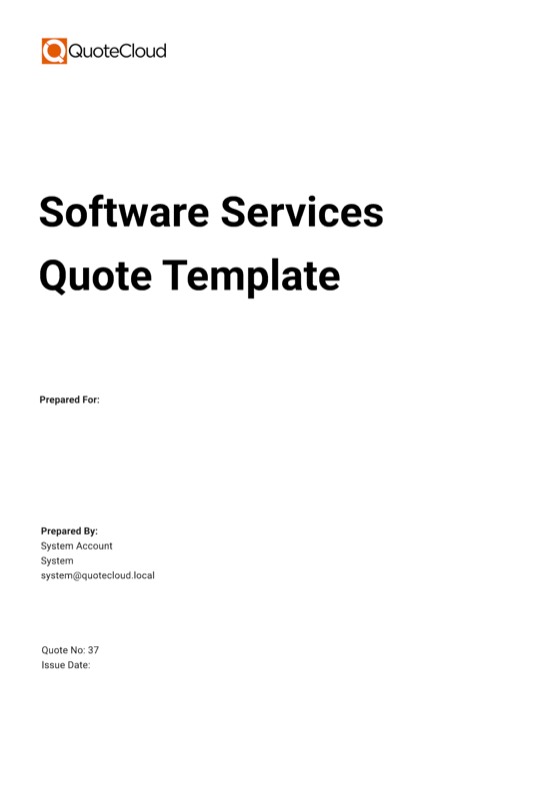
- Quote template Software Services Quote An itemised quote for software work, with clear sections for scope and pricing. View template
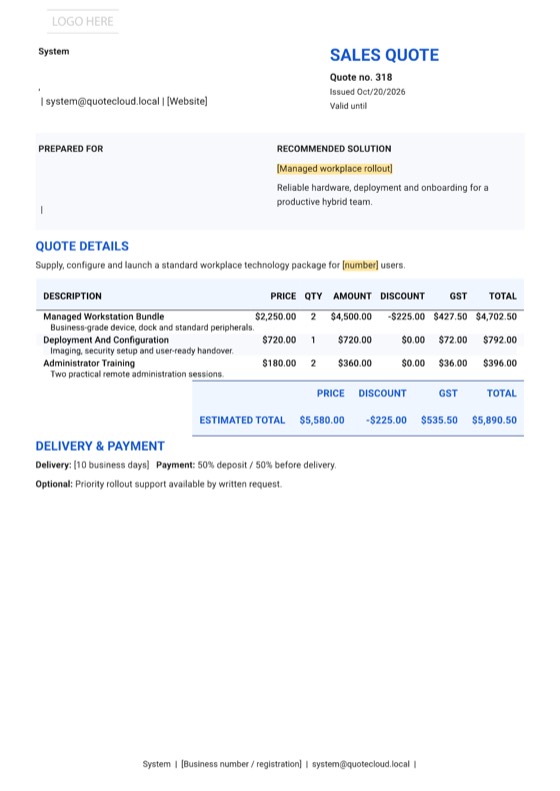
- Quote template Classic Technology Sales Quote A clean technology sales quote for solutions, services and pricing. View template
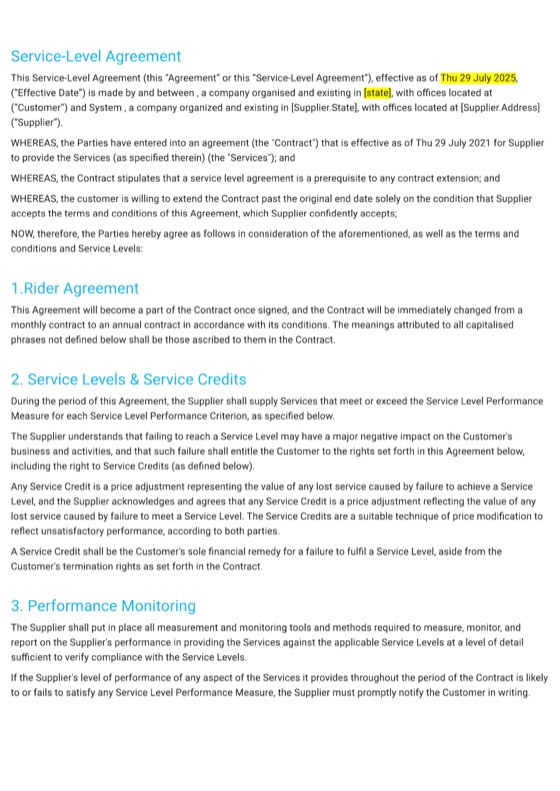
- Agreement template Service Level Agreement Uptime, response times and support obligations, ready for your own service levels. View template
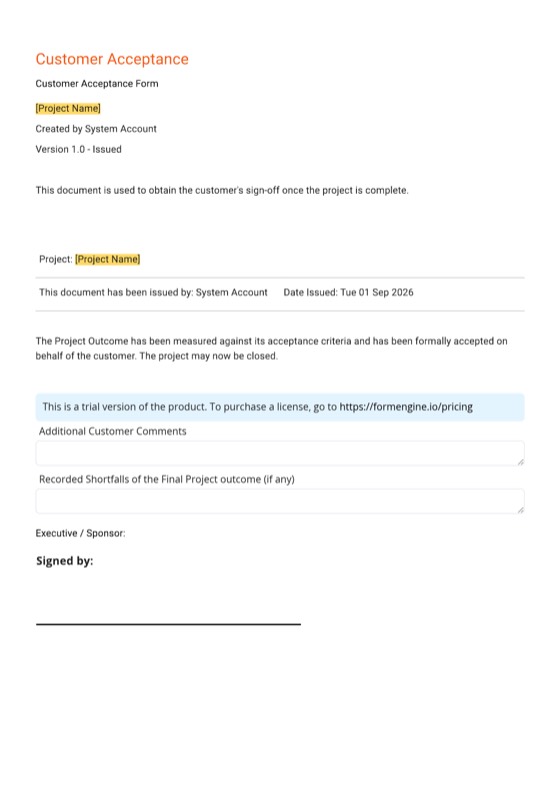
- Form template Project Customer Acceptance Form A sign-off for each implementation milestone, with eSignature. View template
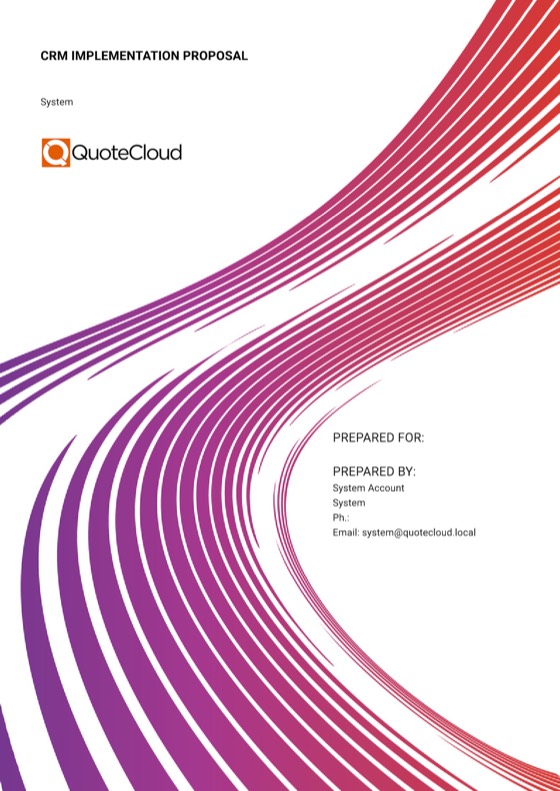
- Proposal template CRM Implementation Proposal A starting point for an implementation proposal: phases, scope and fees. View template
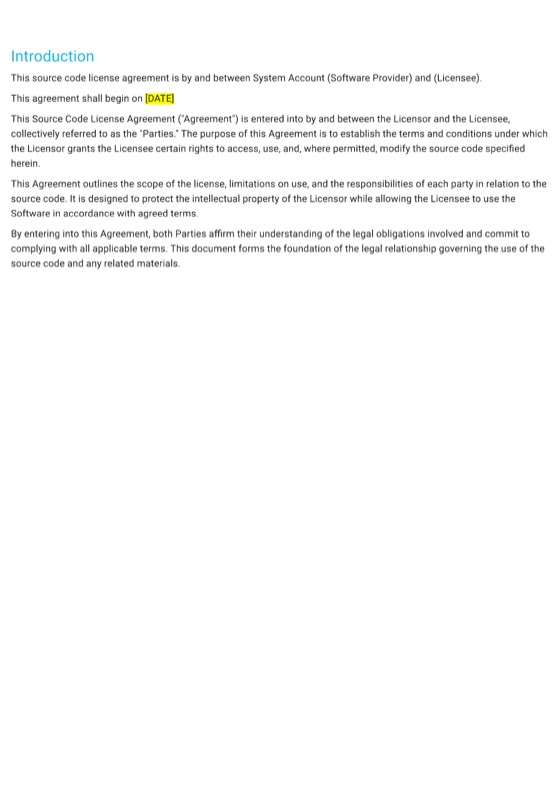
- Agreement template Source Code License Agreement Grant code access rights while protecting your intellectual property. View template
- Agreement template Non-Disclosure Agreement Mutual confidentiality before a security review or a pilot. View template
From a SaaS proposal to an order form the customer adjusts
Plinthwork started from the SaaS Sales Proposal template, kept its structure, and swapped the generic price table for its own order form: plans from the price book, seats and term the customer can change, and the implementation fee with a deposit on signing.
Try it as Tidemark would: choose a plan, change the seats or the term, tick an add-on, and the monthly amount, total contract value and payment on signing follow.
- Plan tiers as a single-choice group
- Enable Quantity Editing on seats, Enable Term Editing for 12, 24 or 36 months
- Optional add-ons the customer ticks
- A deposit on the once-off fee, paid on signing
Price tables and payments: Essentials and up
Seat-based order formsYour subscription
| Item | Qty | Monthly | Once-off |
|---|---|---|---|
| Plan Choose one | |||
| seats | $1,080 | — | |
| seats | $1,920 | — | |
| seats | $2,940 | — | |
| Platform | |||
Single sign-on & audit logPW-SSO · Per account
|
1 | $250 | — |
| Add-ons Tick to add | |||
| seats | $360 | — | |
| 1 | $450 | — | |
| Once-off | |||
Implementation, fixed feePW-ONB · As set out in SOW PW-S-0412
|
1 | — | $14,500 |
- Monthly
- $2,170.00/mo
- Once-off
- $14,500.00
- Total contract value over 24 months
- $66,580.00
- Implementation deposit on signing (50%)
- $7,250.00 + tax
Prices ex tax. Plinthwork invoices the subscription monthly in advance and the rest of the implementation fee at go-live; QuoteCloud shows the repeating charges for agreement and takes only the deposit on signing.
Accept the order and pay the deposit
Lena Albright · Chief operating officer, Tidemark Property Services
Signed online · 5 Nov, 4:12 pm
Agreement summary
- Plan
- Growth · 60 seats
- Monthly
- $2,170.00 + tax
- Term
- 24 months
- On signing
- $7,250.00 + tax
Certificate of authenticity and audit trail attached
From an implementation proposal to a signed SOW
The CRM Implementation Proposal template gave Plinthwork's services team its phases and scope sections. Rosa replaced the fees with five fixed-fee milestones from the price book and added the eight-week plan as a Gantt chart.
Each milestone is then signed off with a short acceptance form from the Project Customer Acceptance Form template.
- Milestones as price-table lines with an optional extra
- The plan as a Gantt chart (Business plan)
- Acceptance terms saved once and locked (Business plan)
Milestones
| Item | Qty | Rate | Amount |
|---|---|---|---|
| Implementation, fixed fee | $14,500 | ||
Discovery & configurationWorkshops, sites, asset types and workflows
|
1 fixed | $4,500 | $4,500.00 |
Asset register migration12,400 records from your current spreadsheets
|
1 fixed | $5,200 | $5,200.00 |
Single sign-on set-upWith your identity team, tested before training
|
1 fixed | $1,600 | $1,600.00 |
Admin and team trainingThree live sessions, recorded
|
1 fixed | $2,400 | $2,400.00 |
Go-live supportTwo weeks of daily check-ins
|
1 fixed | $800 | $800.00 |
| Options Tick to add | |||
Sandbox environment set-upA copy of your configuration for testing
|
1 fixed | $900 | $900.00 |
- Subtotal
- $14,500.00
- Tax (10%)
- $1,450.00
- Total
- $15,950.00
- Plus, monthly
- $0.00/mo
- Payment on signing (50%)
- $7,975.00
Implementation plan
What to add to any template
The QuoteCloud features that turn a generic template into a software vendor's order form, SOW or renewal.
Seats the customer changes
Turn on quantity editing for seat lines, with the price per seat set from your price book.
A term switch
Term editing lets the customer choose 12, 24 or 36 months; the total contract value follows.
Plan tiers
Starter, Growth and Scale as a single-choice group, so the customer picks exactly one.
Plans and tiersYour calculator
A Spreadsheet block with your ramp or usage maths, its cells setting price lines, on Essentials and up.
Ramp calculatorsLocked terms
Subscription, data protection and acceptance clauses from your content library, locked on Business.
Security & DPAsSigners and payment
Every signer the customer needs, plus a deposit or full payment on signing through Stripe or PayPal.
Send us your order form; we'll convert it
Free for 14 days, no credit card required. One template conversion is included during the trial on Essentials, Business and Enterprise.
Your first order form in five steps
From the template library, or from the order form you already send.
Pick a starting point
Open the SaaS Sales Proposal template, or send us your current order form to convert during the trial.
Load your price book
Import plans, add-ons and services as a CSV, with SKUs, prices and costs kept from the customer.
Build the price table
Add the plan choice, seat lines with quantity editing, the term switch and optional add-ons.
Add your terms
Drop in subscription and data terms from the content library; lock them on the Business plan.
Test and send
Send one to yourself, change the seats and term, sign it, then make it the team's starting point.
Template questions
Does QuoteCloud have a SaaS proposal or order form template?
Yes. QuoteCloud's template library includes a SaaS Sales Proposal, a Software Services Quote and a Classic Technology Sales Quote, plus a Service Level Agreement, a Project Customer Acceptance Form, a CRM Implementation Proposal, a Source Code License Agreement and a Non-Disclosure Agreement. Add your plans, seat and term editing and terms to any of them.
Can QuoteCloud convert our existing order form into a template?
Yes. On the Essentials, Business and Enterprise plans, one template conversion is included during the 14-day free trial: send us the order form you use today and we'll build it as a QuoteCloud template. Paid plans also include a 45-minute training session to get your team started.
Can one template cover several plans and terms?
Yes. Put your plan tiers in a single-choice group, turn on quantity editing for seats and term editing for 12, 24 or 36 months. The customer picks the plan, seats and term in the document, and the monthly amount and total contract value recalculate before they sign.
Can we lock parts of a template so reps can't change them?
Yes. On the Business plan, save subscription, data protection or acceptance terms as content library blocks and lock them. Reps can add locked blocks to any document but can't edit them, so every order form and SOW carries the wording your legal team approved.
Should new business, renewals and SOWs have separate templates?
Usually, yes. Most software vendors keep one template for new-business order forms, one for renewals, one for implementation SOWs and one for QBR reports, all built from the same price book and content library blocks. Each team starts from the right document, and shared terms stay the same everywhere.
Where each template ends up
The order forms, SOWs, renewals and schedules software vendors build from these templates.
-
Seat-based order formsSeats, plan and term the customer can adjust on the price lines before signing, with the totals following.Explore
-
Renewal quotes from usage dataSeats used against seats licensed, turned into a renewal order form before the agreement's expiry date.Explore
-
Implementation statements of workDiscovery, migration, set-up and training as milestones, a plan on a Gantt chart and a deposit on signing.Explore
- Plan tiers & add-onsStarter, Growth or Scale as a single choice in the order form, with add-ons the customer ticks.
- Ramp, usage & ROI calculatorsSeats × tier price × term, ramped by year, in a spreadsheet block whose cells set the price lines.
- QBR reports with expansion quotesUsage, adoption and recommendations in one report, with the expansion lines the customer can tick and sign.
- Renewals & QBRs drafted by your AI assistantAn assistant connected through QuoteCloud's MCP service drafts from your CRM and usage data; your account executive reviews and sends.
- Discount approvals & deal deskDiscounts over your limit and large deals wait In Review for the right approver before the customer sees them.
- Security reviews & DPAsYour security answers, data processing terms and policies as locked blocks and attachments in the agreement.
- CRM, billing & data integrationsHubSpot, Salesforce, Pipedrive, Xero, QuickBooks and your own systems, connected the way each one really connects.
- QuoteCloud implementation for software vendorsYour price book, order form and renewal templates, approval rules and integrations set up with your team.
- FAQAnswers to the questions software vendors, account executives and customer success teams ask most.
Start from a template, send your own order form
Free for 14 days. No credit card required.